
Nikon Z8 Video Guide: Practical Video Settings for Wildlife Photography
Video on the Nikon Z8
The Nikon Z8 has become a remarkably capable camera for wildlife photography, but its video capabilities are just as impressive. For photographers who primarily work with still images, however, making the move into video can introduce a completely different set of decisions.
Frame rates, shutter speeds, autofocus behaviour, audio, recording formats and file sizes all become part of the equation.
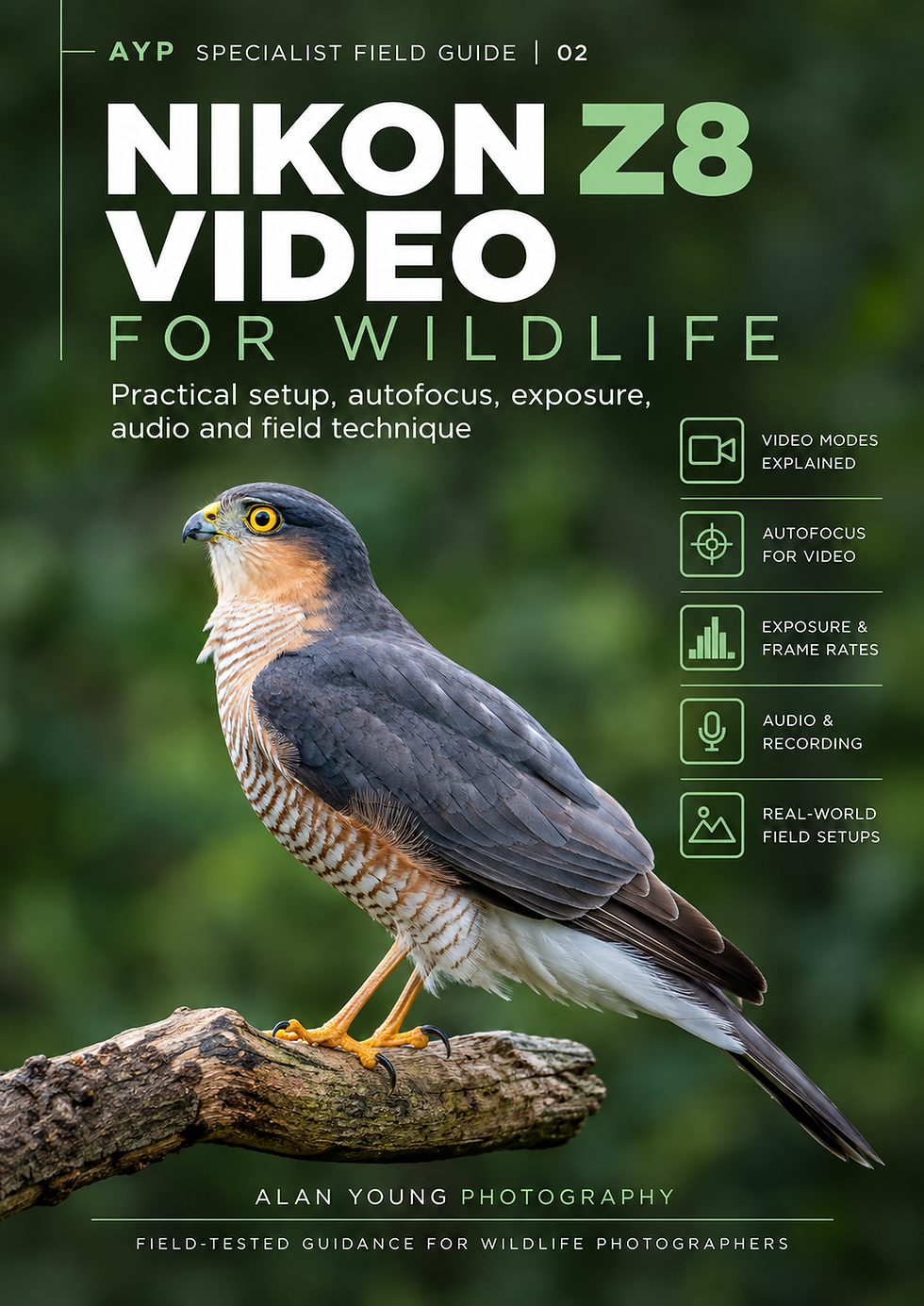
Over the past few months, I have been using the Z8 increasingly for wildlife video alongside my still photography. That practical experience has led to my latest AYP Specialist Field Guide: Nikon Z8 Video for Wildlife.
Why I Created the Guide
My photography has always been centred on still images, but wildlife does not always fit neatly into a single frame. Behaviour, movement and sound can sometimes tell a part of the story that a photograph cannot.
Using the Nikon Z8 for video more regularly has also highlighted how different the process can be. Settings that are second nature for still photography suddenly need reconsidering, particularly shutter speed, frame rate, autofocus and exposure.
Recent sessions photographing and filming kingfishers and badgers gave me an opportunity to put those choices into practice under very different conditions, from fast-moving birds in daylight to wildlife working in extremely low light.
The new guide grew from those experiences. Rather than trying to cover every video feature available on the Z8, I wanted to concentrate on the settings and techniques that are genuinely useful when filming wildlife in the field.
From Stills to Moving Wildlife
One of the attractions of video is being able to record behaviour that is difficult to convey in a single photograph. A kingfisher settling on a perch, looking around and even the subtle movement of its breathing creates a very different connection with the subject.
It also introduces new challenges. Following a fast-moving bird while maintaining focus is very different from capturing a short burst of still images. Autofocus needs to remain with the subject throughout the sequence, camera movement becomes much more noticeable, and exposure cannot simply be changed between individual frames.
My first experience filming badgers presented almost the opposite problem. By the time the badgers appeared it was dark, so maintaining a natural-looking image while working with very limited light became the priority.
Those contrasting experiences reinforced something important: there is no single set of Nikon Z8 video settings that suits every wildlife subject.
Choosing the Right Video Settings
Video settings are always a compromise between the type of movement you want to record, the available light and how you intend to use the finished footage.
For wildlife, I often work in 4K because it provides excellent detail while still giving some flexibility when editing. Frame rate is another consideration. A higher frame rate can be useful for fast action or when you want the option of slowing footage down, while lower frame rates are perfectly suitable for more static subjects and behaviour.
Shutter speed also needs a different approach from still photography. Rather than simply choosing a fast shutter speed to freeze movement, video generally benefits from retaining some natural motion blur.
The important point is that resolution, frame rate and shutter speed need to be considered together, rather than as three independent settings.
Autofocus for Wildlife Video
Autofocus behaviour becomes particularly important with wildlife video because a momentary loss of focus is far more noticeable in moving footage than it might be within a sequence of still images.
The Nikon Z8 offers excellent subject detection, but that does not mean autofocus should simply be left to make every decision. Busy backgrounds, branches and vegetation can still distract the system, particularly when following a moving subject or panning the camera.
I have found that the aim is not necessarily to make autofocus react as quickly as possible. For video, a smoother and more controlled transition can often look more natural than an abrupt change of focus.
Subject detection, AF-area choice and the way the camera responds when another object enters the frame therefore all need to be considered together.
Understanding how autofocus behaves, rather than simply whether it acquires focus, is one of the biggest differences when moving from wildlife stills to video.
Sound Matters Too
Sound is easy to overlook when moving into video, particularly for photographers accustomed to thinking almost entirely about the image. In wildlife footage, however, natural sound can add an enormous amount to the sense of place.
Birdsong, running water, wind through vegetation and the calls of the subject can all help bring a sequence to life. Unfortunately, the camera can also record unwanted sounds just as effectively, including handling noise, wind and the photographer moving behind the camera.
The Z8 provides useful control over audio recording, but microphone choice and careful monitoring become increasingly important when sound matters to the finished sequence.
For some wildlife clips, natural ambient sound is all that is needed. For others, recording clean audio separately or using an external microphone can produce a noticeable improvement.
The guide therefore treats audio as part of the wildlife recording process, rather than something to think about afterwards.
Working in the Field
Wildlife rarely performs to a timetable, and video places different demands on both the photographer and the equipment. Longer recording periods consume more battery power and storage, while high-resolution and high-frame-rate footage can generate surprisingly large files.
Stability also becomes more important. Small movements that would be irrelevant when taking a still photograph can become distracting when viewed as part of a video sequence. Good support, controlled panning and anticipating the subject's movement all contribute to smoother footage.
There is also a fieldcraft element. Recording for longer periods means remaining settled and avoiding unnecessary movement around the subject. As with still photography, understanding behaviour often matters more than reacting quickly when something happens.
For me, the aim is still the same: record natural wildlife behaviour with as little disturbance as possible. Video simply gives me another way of telling that story.
What the Nikon Z8 Video Guide Covers
The Nikon Z8 Video for Wildlife guide brings the main technical and practical considerations together in one place, with the emphasis firmly on using the camera in real wildlife situations.
It covers choosing video resolution and frame rates, shutter speed and exposure, autofocus setup and behaviour, audio recording, file sizes, storage and the practical implications of longer recording sessions.
There is also guidance on working in changing light, maintaining stable footage and configuring the Z8 so that moving between still photography and video in the field is straightforward.
Rather than providing one collection of settings to copy, the guide explains why particular choices work, allowing photographers to adapt the Z8 to the subject and conditions in front of them.
Free for AYP Members
The Nikon Z8 Video for Wildlife guide is available free to AYP members through the Download Centre, alongside my other wildlife photography and Nikon Z8 field guides.
AYP membership is also free. The aim is simply to make these practical resources available to photographers who may find them useful, while continuing to build a community where members can ask questions, share photographs and discuss their own experiences.
There is no charge for the guides or membership. If you find them useful and would like to support the work that goes into creating them, you can always
buy me a coffee. It is entirely optional, but always appreciated. ☕️
Final Thoughts
Video has not replaced still photography for me, and I do not expect it to. What it has done is provide another way of recording wildlife behaviour and telling the story of an encounter.
Sometimes a single photograph says everything. At other times, a few seconds of movement and natural sound can reveal something the still frame simply cannot.
The Nikon Z8 makes moving between those two ways of working remarkably straightforward. For me, the challenge now is less about what the camera can do and more about recognising when video adds something worthwhile to the encounter.


Comments